



Overview
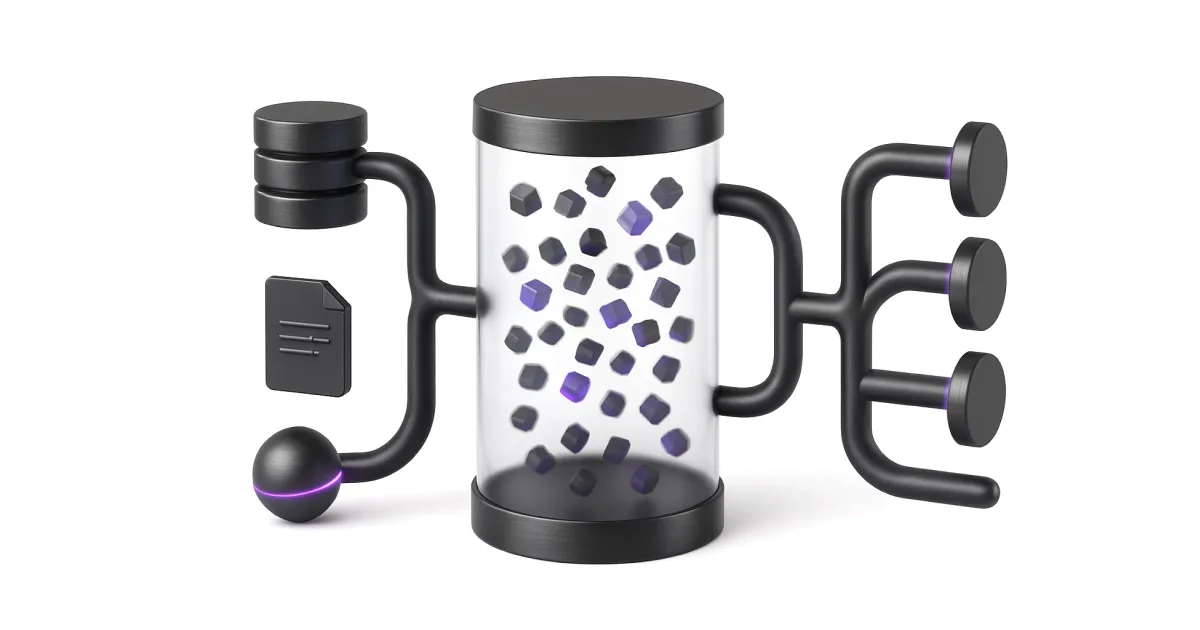
MinIO is an S3-compatible object storage service used to store files, datasets, model artifacts, logs, backups, and application assets.
In a Shakudo environment, MinIO is often the object storage layer for AI tools, data pipelines, file uploads, backups, and components that expect an S3 API without requiring public cloud S3.
This page is written for onboarding and deployment calls. It focuses on what customers need to understand, provide, validate, and troubleshoot in a real environment.
Where it fits in the stack
- Primary role: MinIO provides a reusable platform capability rather than a one-off application.
- Typical deployment model: Kubernetes + Helm, with customer-specific values and secrets.
- Typical access model: private internal endpoint or customer-approved external route.
- Typical support model: validate deployment health first, then validate user workflow and integrations.
Getting Started
Start with one safe workflow in MinIO before enabling production usage. The goal is to prove connectivity, permissions, and operational ownership.
What the customer needs to provide
- storage size and performance expectations
- bucket names and access policy requirements
- root access key and secret key
- whether the deployment should be standalone or distributed
- applications that need S3-compatible credentials
First workflow
- Open the MinIO console or configure the mc CLI
- Create a bucket for each workload or environment
- Create access keys with least privilege
- Configure an application with endpoint, bucket, access key, and secret key
- Upload and download a test object before using it in production
Administration and Best Practices
Use these practices to keep MinIO reliable after the initial deployment.
- Use separate buckets or prefixes for dev, staging, and production
- Create app-specific access keys instead of sharing root credentials
- Enable lifecycle policies for temporary or high-volume data
- Monitor disk capacity before large ingestion jobs
- Back up critical buckets or replicate them when retention matters
- Use TLS and private network routes for production access
Troubleshooting & FAQ
Use this section during customer debugging calls. Format: Problem → What to check → Fix.
Application cannot connect to MinIO
- What to check: Check endpoint URL, port, access key, secret key, and whether path-style access is required
- Fix: Use the internal service URL from inside the cluster and enable path-style S3 config
Upload fails with AccessDenied
- What to check: Check bucket policy and access key permissions
- Fix: Create or update a policy that allows the required bucket actions
Bucket not found
- What to check: Check bucket name, environment, and whether initialization created it
- Fix: Create the bucket through the console or mc CLI
Storage fills up
- What to check: Check bucket growth, incomplete multipart uploads, and retention policy
- Fix: Delete expired data and add lifecycle rules before scaling storage